TakeOps: A Modern T&M OrchestratorStatus: in development

In development: join the waitlist

Operations

The rest of the job.

Material orders, EWOs, change orders and production. All of it reads from the same takeoff.

01 / Material orders

In development

From procurement to production.

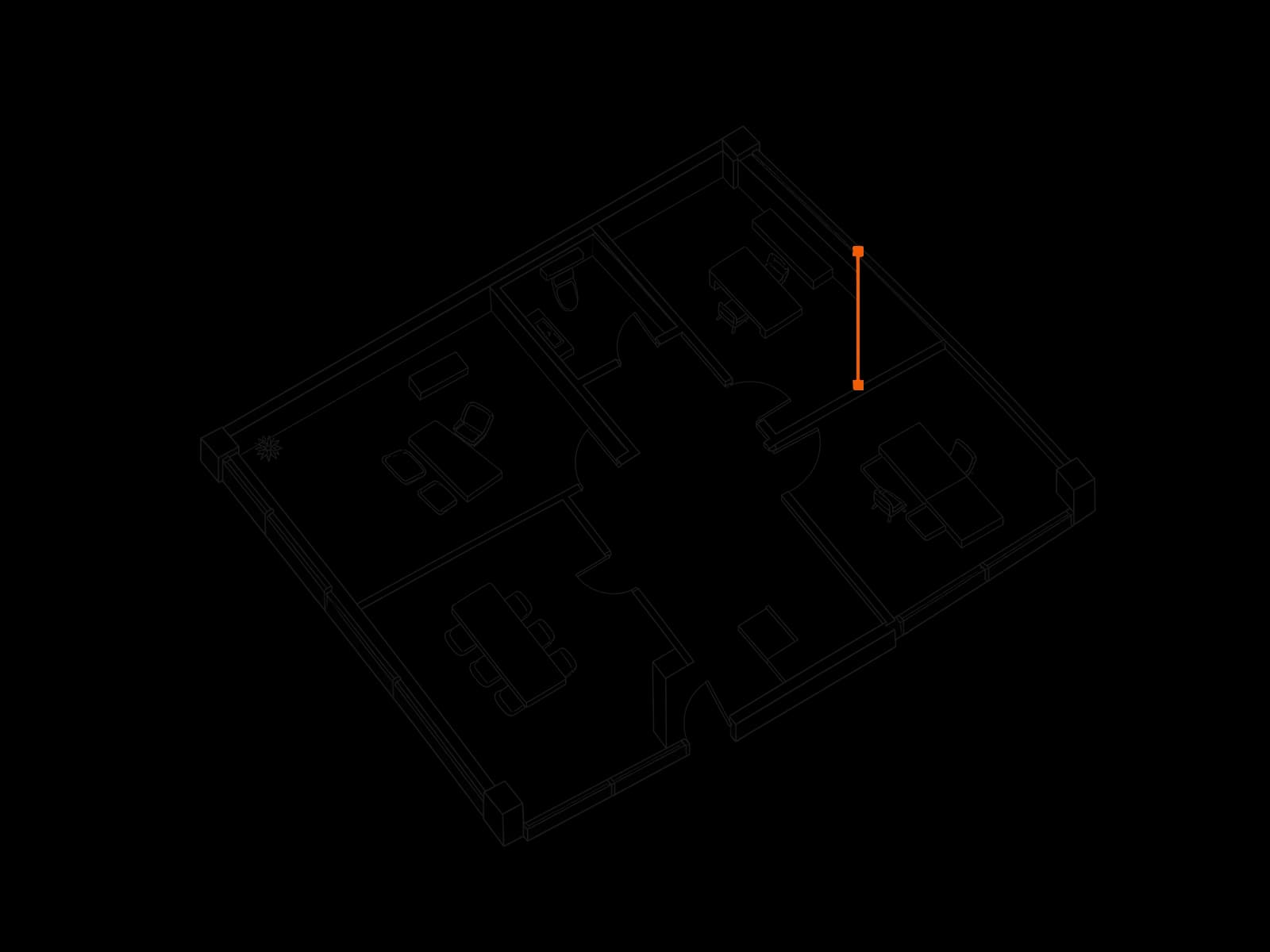
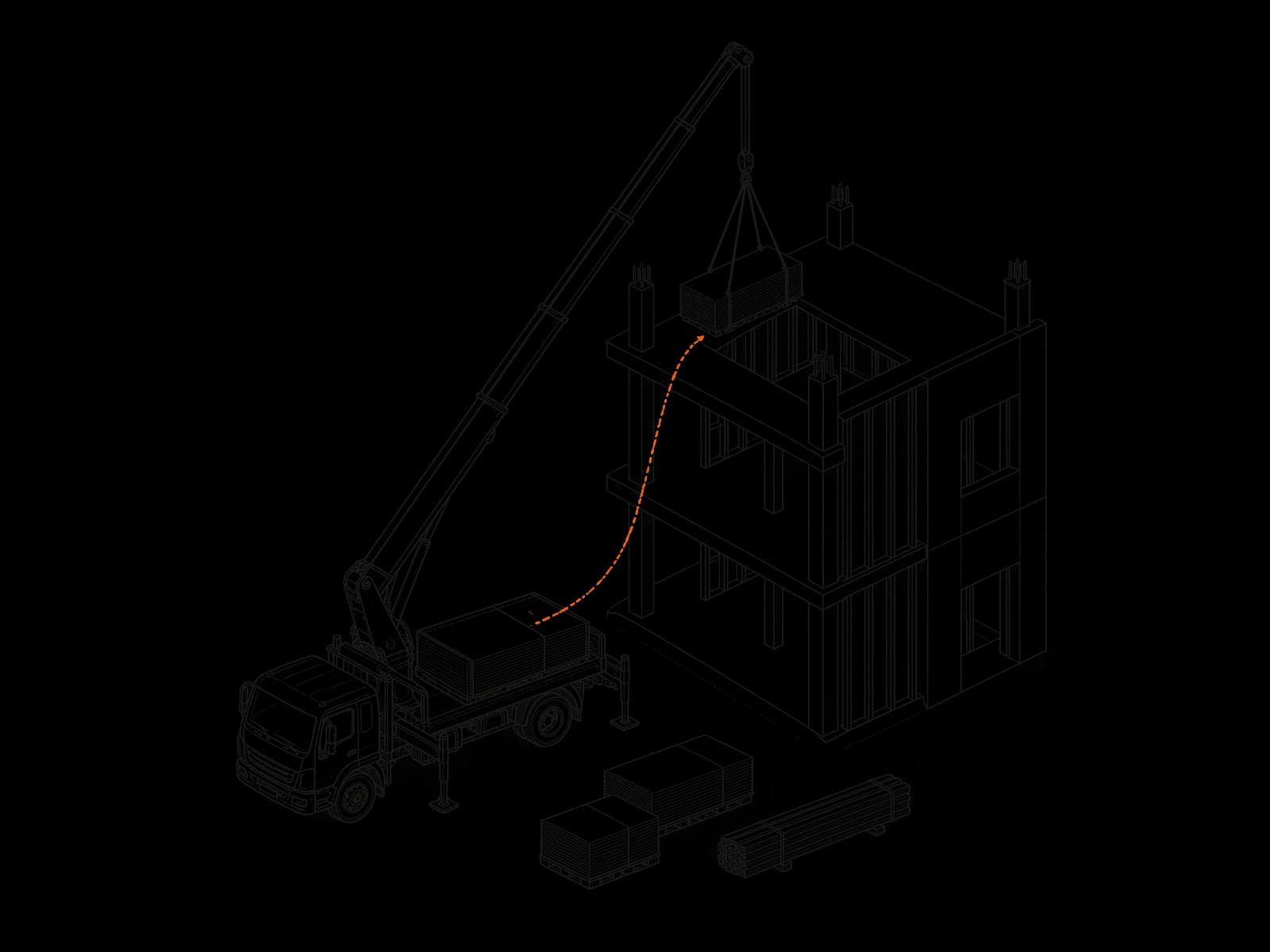
Quantities from the takeoff become a material order without a spreadsheet in between. The order stays tied to the conditions it came from, so a takeoff revision shows up against what is already on order.

  • Order quantities in the supplier's pack sizes
  • Supplier price sheets imported as CSV or Excel
  • Sent, confirmed and delivered, in one list
02 / EWOs

In development

Extra work starts in the field.

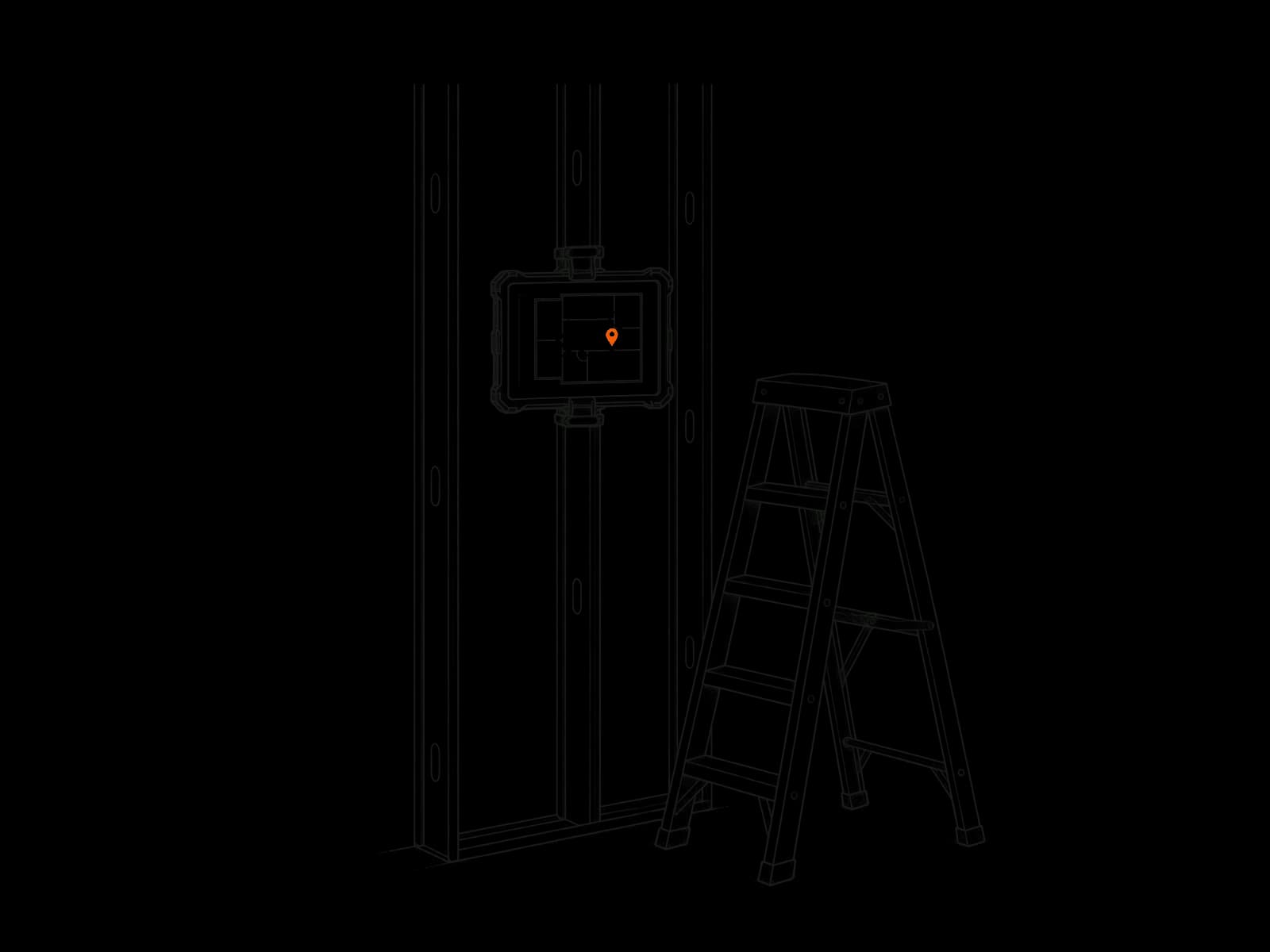
A foreman pins the ticket on the sheet where the work is, with a photo or PDF of it, from a phone on site. The office opens it from that pin, already knowing where it is.

  • Pinned from a phone on site
  • On the sheet where the work is
  • Waiting in the office, not in a text thread

03 / Change orders

In development

Price the change against the same set.

The office prices the ticket line by line, labor, material and equipment, with markup and OH&P, and a labor line takes its rate from your rate sheet. One download holds the cover, the ticket as a PDF and the pricing in Excel, and the change shows in the PCO log.

  • Labor, material, equipment, markup and OH&P
  • Labor rates from your rate sheet
  • Cover, ticket PDF and Excel in one download

04 / Production

In development

Installed against the takeoff, while it matters.

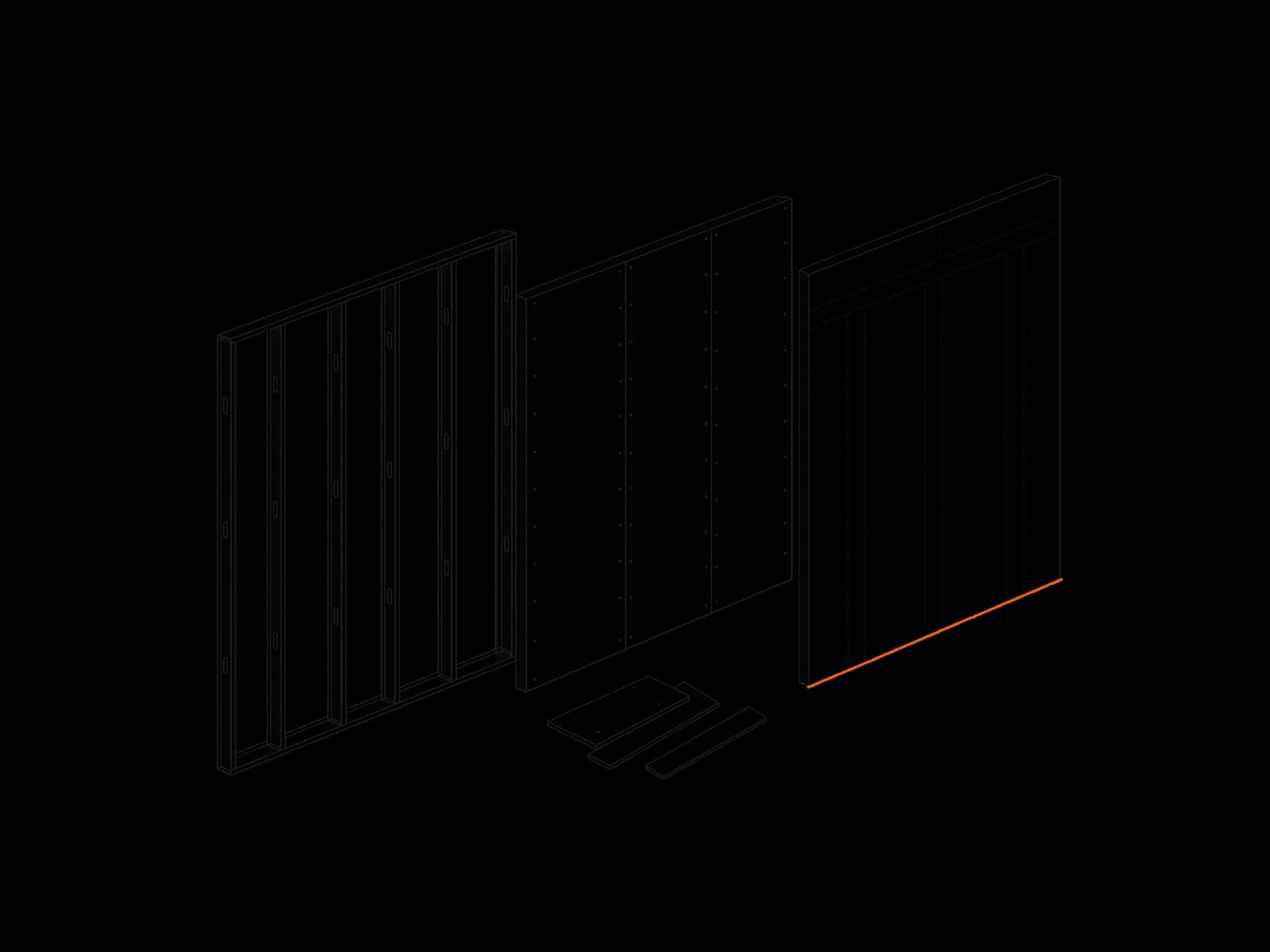
Each week the installed quantities go in by area and condition, against what was taken off, and each product's deliveries, use and returns go in against what the takeoff calls for. A run past the takeoff shows during the job, not at closeout.

  • This week, to date and remaining, by area and condition
  • Deliveries, use and returns per product
  • A workbook for each week

It all starts with the takeoff.

The takeoff is the one place the quantities live, and everything on this page reads from it.

See the takeoff