The takeoff, the material order and every T&M ticket, run from one set of numbers. Working today: the takeoff workspace, in your browser, on a sample set or your own PDF. In development: orders, EWOs, change orders and production, optimized with the best frontier AI models.
Load the PDF set, give every page its scale, and take off the conditions you bid: wall runs in linear feet, ceilings in square feet, openings as counts.
Turn the counted conditions into a material order without retyping them. Each bid on a set keeps its own takeoff and orders, and All bids sums them against what has been ordered.
A foreman pins a T&M ticket on the sheet where the work is, with a photo from a phone. The office prices it line by line, adds the GC reference and marks it submitted, and every ticket sits in one T&M log with its status, hours and amount.
Enter what went up each week, by area and condition, on a phone or at a desk. Each row and area shows how much is installed against the takeoff, the plan tints each area's walls by it, and a run past the takeoff shows as over.
Autoload reads the wall types off the legend and makes them conditions. Import a supplier's price sheet and each condition's materials take its prices. The traced quantities become a draft material order.
In development
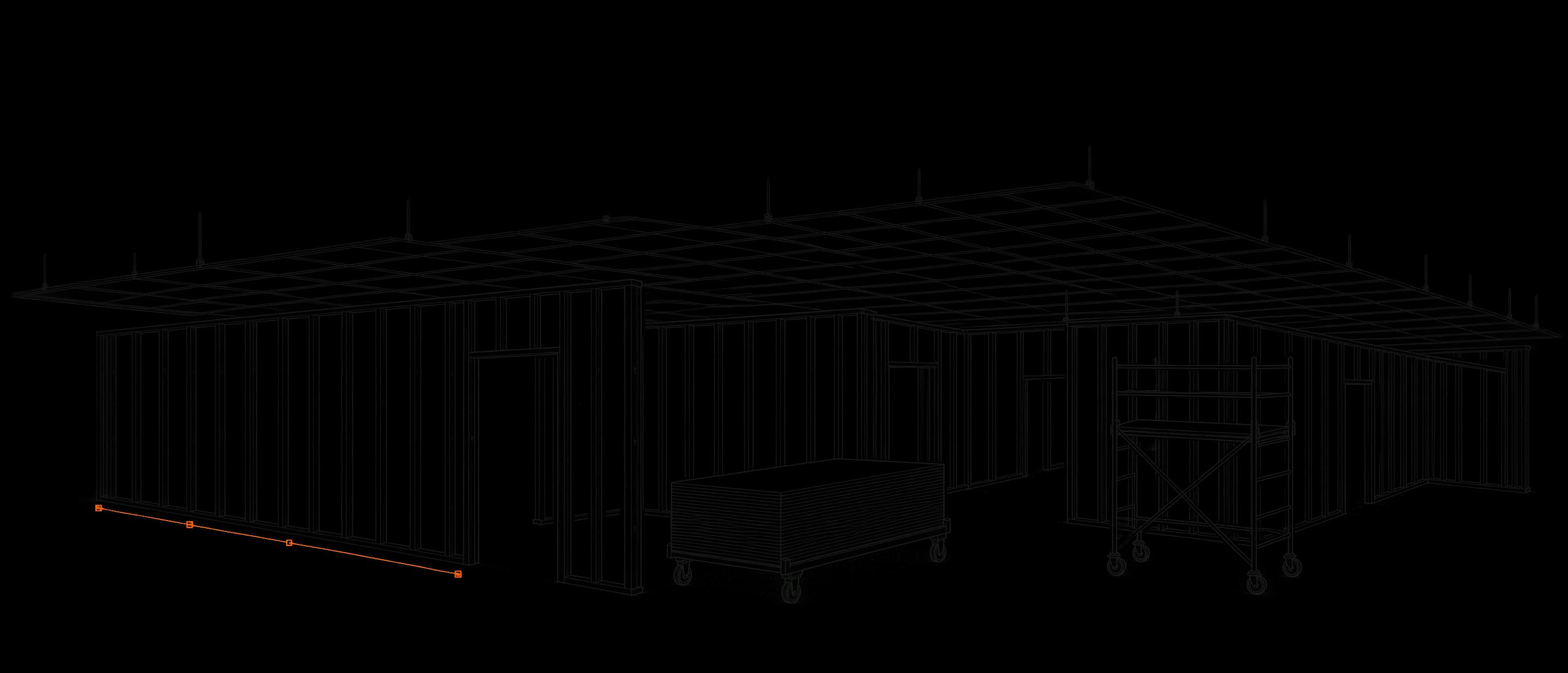
Opens on illustrations made for this site: the build-up and the overhead view are generated, not the product. From sheet A-101 on it is a screen recording of the takeoff workspace, a build in development, on the synthetic sample set plan-001-t1. Sample Supply Co. and its prices are made up. The walls were traced and most materials attached off camera. Sped up to one and a quarter times, with loading waits cut.
Works with
Fits the tools you already run.
Quantities and material orders export to Excel and CSV today. Direct connections to the platforms below are in development.
In development
PRProcore
Autodesk Construction Cloud
VVViewpoint Vista
S3CSage 300 CRE
QuickBooks
Excel
Outlook
Google Drive
Product names and marks belong to their owners and do not imply a partnership.
Harness and benchmarks
TakeOps Harness and Benchmarks.
You want the latest capabilities from the best models behind ChatGPT and Claude, but have no way to know whether they can actually do the work.
We are building benchmarks that test agentic tasks across AEC disciplines, on models of every size, to give you a repeatable view of the true cost of using AI.
In development
LowerTakeoff scoreHigher
Higher score, lower cost
LowerCost per sheetHigher
Frontier: the best score at each cost
Placeholder point
Price an EWO ticket
Build a material order
Check a delivery against the order
Log a week of production
Compare a plan revision
LowerTasks finishedHigher
Best run on the task
Placeholder run
Model sizeSmallMid-sizeLargeFrontierCodes and fire ratingsMaterials and assembliesUnits and estimatingSequencing the tradesSafety on siteContracts and change orders
LowerHigherScore
Every model and harness measures the same plan sheets, scored against a reference takeoff and placed by what each sheet cost to run. The points are placeholders, not results.
Product names and marks belong to their owners and do not imply a partnership.
How it works
One set of numbers, start to finish.
01
Upload and scan
Drop in the PDF set. The scan reads the partition types and proposes each wall with its studs, track, board and finishing parts, for you to check.
02
Trace walls and areas
Walls draw at their real width, dragged or clicked. Drag a rectangle for a ceiling or a backout.
03
Order the material
Parts match your supplier's products and pack sizes, and the order comes out as an Excel file to send.
04
Price tickets, track production
A foreman pins the T&M ticket on the sheet, the office prices it, and every ticket lands in one T&M log. Each week, log what went up against the takeoff.
Join the waitlist
Get on the list.
TakeOps is still being built. Leave your details and we will be in touch when there is room for your shop.
A few more answers on the waitlist page tell us what to build first.
We would like to use analytics to see how TakeOps is used. Nothing is sent unless you accept, and declining changes nothing about how it works. Privacy Policy